Create an account on the PERIOPSIS Portal
Summary:
Register, confirm your email address, and access the PERIOPSIS Portal for the first time.
Before you start:
Use an email address you can access to receive the confirmation code.
Create your account
- Open the PERIOPSIS Portal at portal.periopsis.com and select Sign Up.
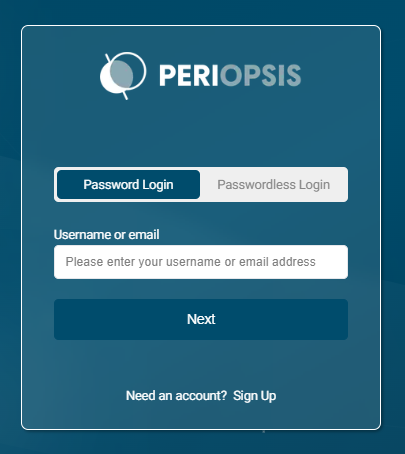
- Enter your first name, last name, and email address.
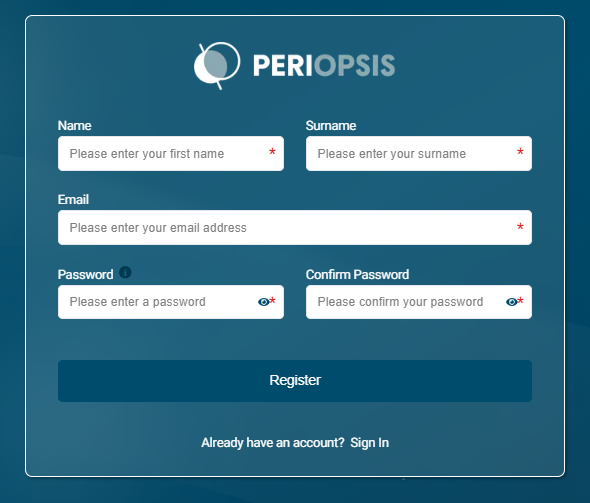
- Enter a password in Password, then enter it again in Confirm Password. Follow the requirements shown on the form.
- Select Register.
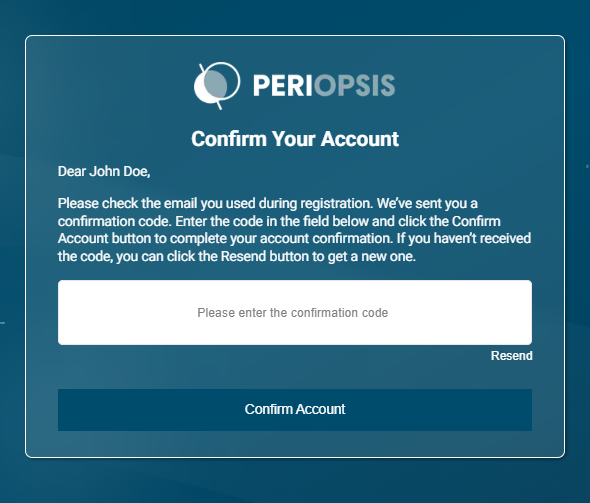
- Open the confirmation email and copy the code.
- Return to the portal, enter the code, and select Confirm Account.
- Sign in to your account. Select Complete Profile to add your details or Create New Project to begin project setup.
If the confirmation email does not arrive
- Check your spam or junk folder and confirm that you entered the correct email address.
- Select Resend to request another code. Request a new code if the previous one has expired.
- If you still cannot confirm your account, contact [email protected].
System requirements
Use a stable internet connection and a current version of a modern browser, such as Microsoft Edge, Google Chrome, Mozilla Firefox, or Safari.