Sign in to the PERIOPSIS Portal
Summary:
Access your account with your username or email address and password.
Before you start:
Confirm your email address if you have just registered.
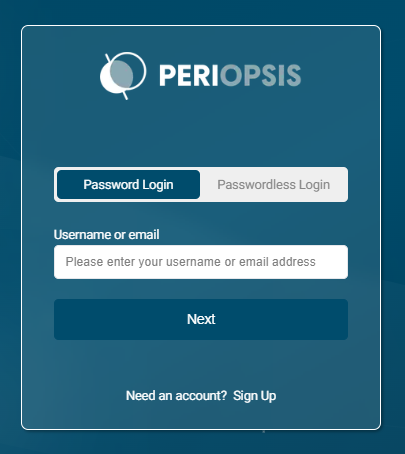
The sign-in page offers Password Login and Passwordless Login. These steps describe signing in with a password.
Sign in with a password
- Open the PERIOPSIS Portal at portal.periopsis.com.
- Select Password Login.
- Enter your Username or email, then select Next.
- Check the email address shown and enter your password.
- Select Login and complete any additional verification requested.
After signing in, open Projects to find an existing project or choose your next task from the dashboard.
If you cannot sign in
If the wrong account appears, select Reset to return to the first sign-in step. If you forgot your password, select Forgot Password and follow the instructions.
Use the email address or username linked to your account. If you can sign in but cannot see a project, ask its administrator to check your membership. Never share sign-in codes or links.