Create a new project
Summary:
Choose a service, define its area, select a package and dates, and submit your project request.
Before you start:
Decide which service and area you need. Have the relevant customer, contact, and billing details ready.
Set up your project
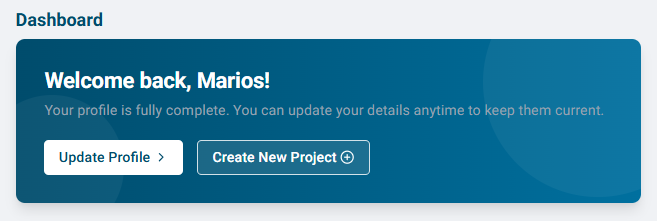
- From Dashboard, select Create New Project.
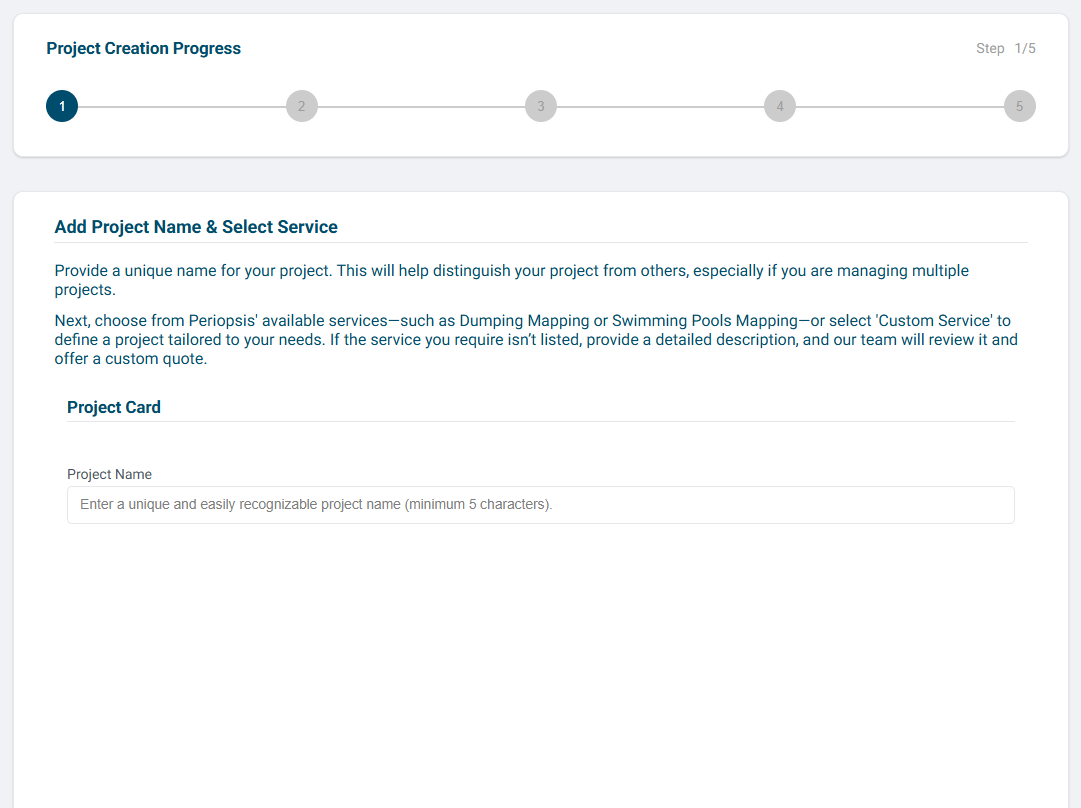
- Enter a clear project name that you will recognize later.
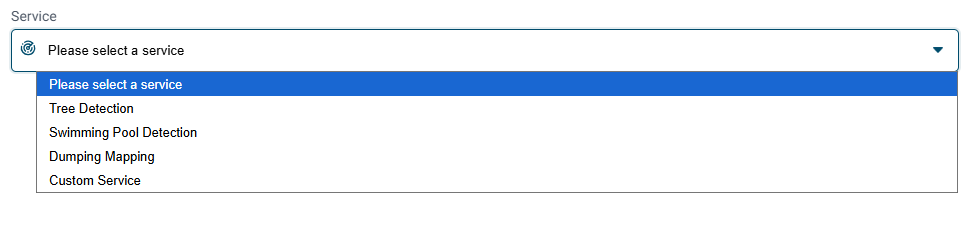
- Select an available service. For Custom Service, select the country and describe the work you need.
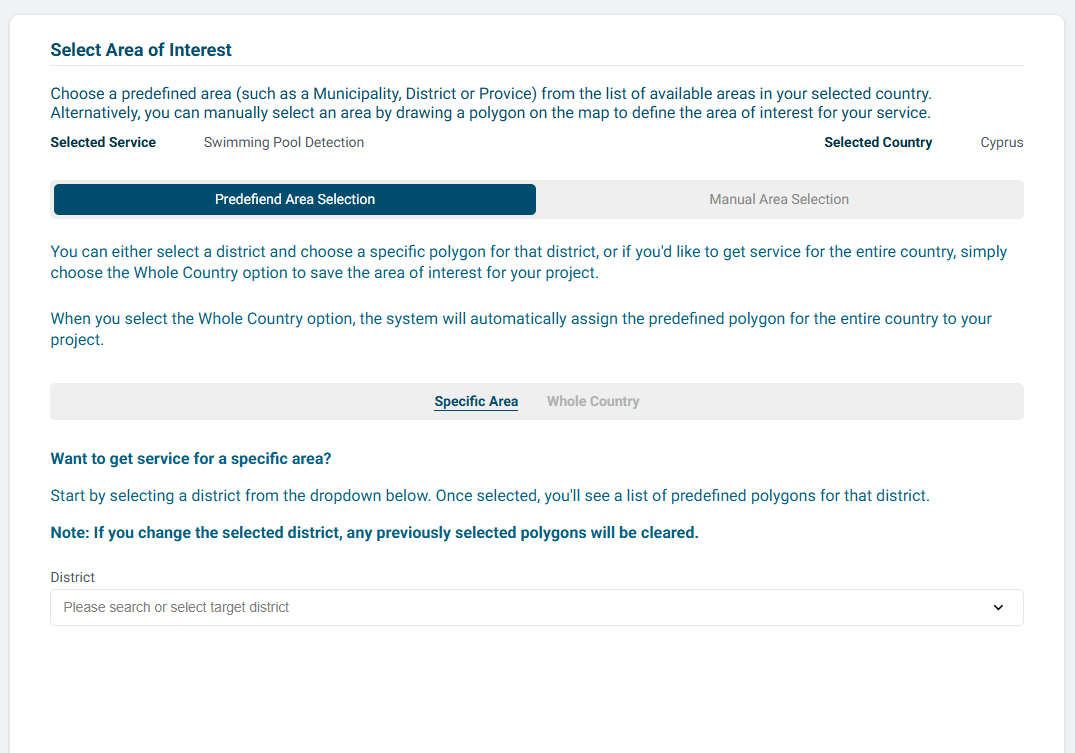
- Select your Area of Interest. Choose a predefined boundary or draw and name a manual polygon on the map.
- Choose an available package that meets your needs.
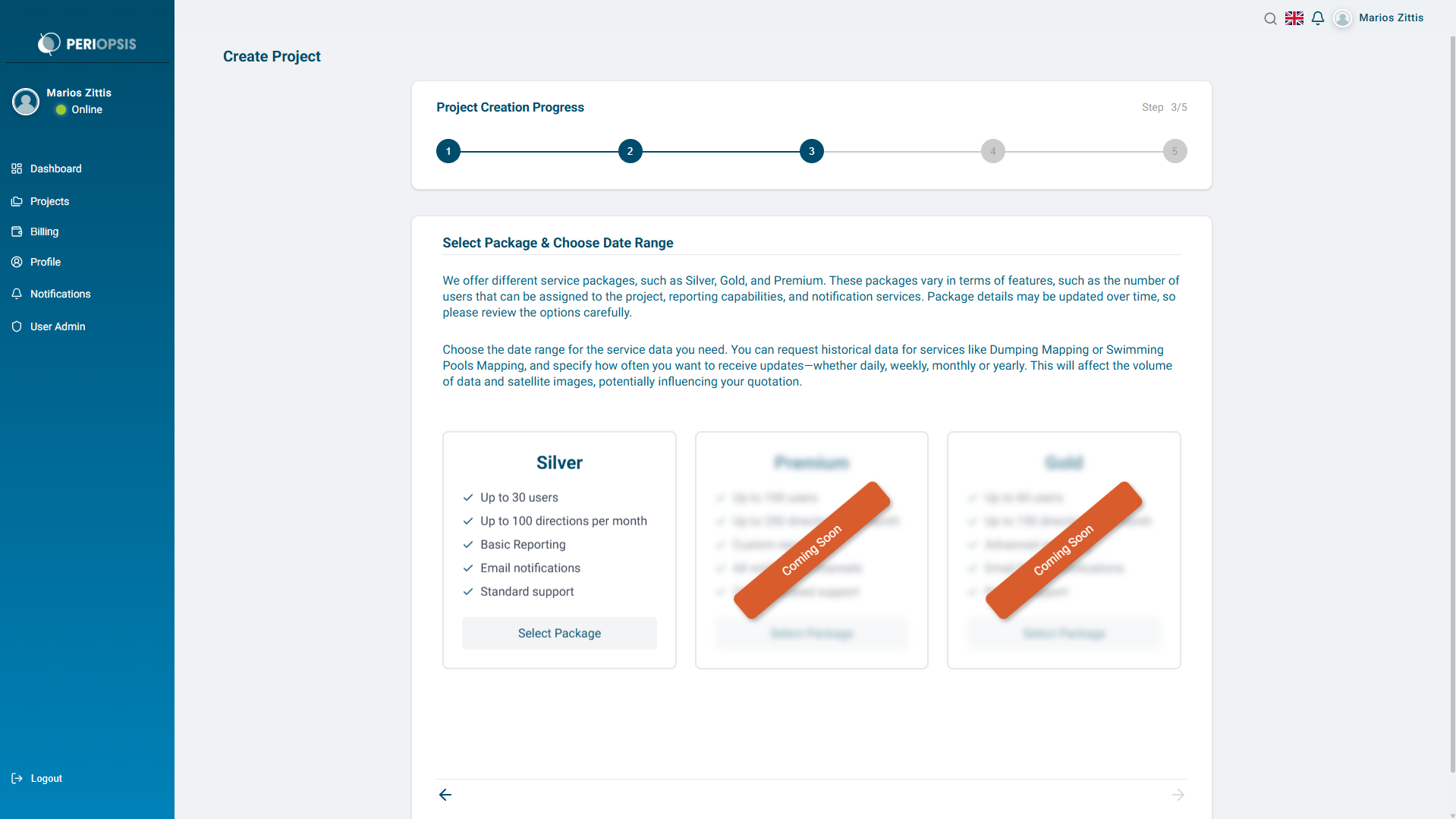
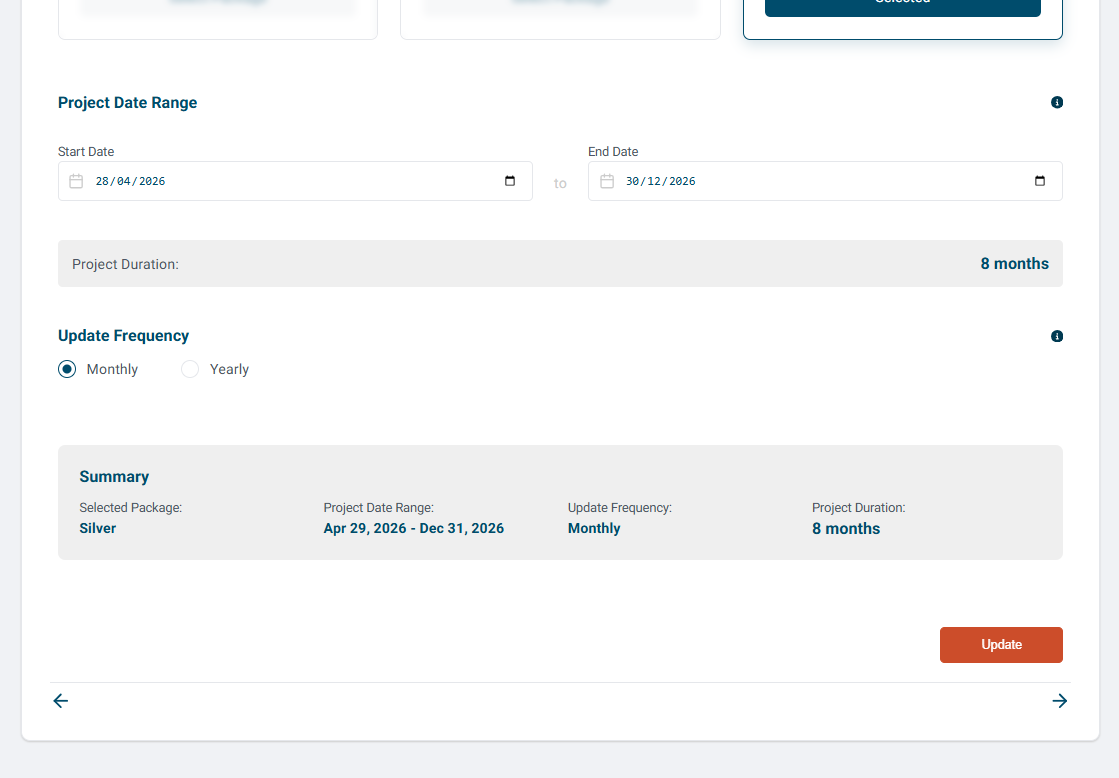
- Select Start Date, End Date, and your preferred update frequency from the options offered.
- Complete the customer details. For a personal account, provide the required identity or passport, phone, and billing information. For an organization account, provide the required organization name, VAT number, contact, address, and billing information.
- Review Project Summary, including the service, area, package, dates, frequency, and customer details.
- Read the Terms of Service and review the Privacy Policy. Accept the required terms when you are ready to submit.
- Select Create Project.
After submission
The confirmation screen shows the request as Pending while the PERIOPSIS team reviews it. Select View All Projects to find the request or Back to Dashboard to return to your overview.
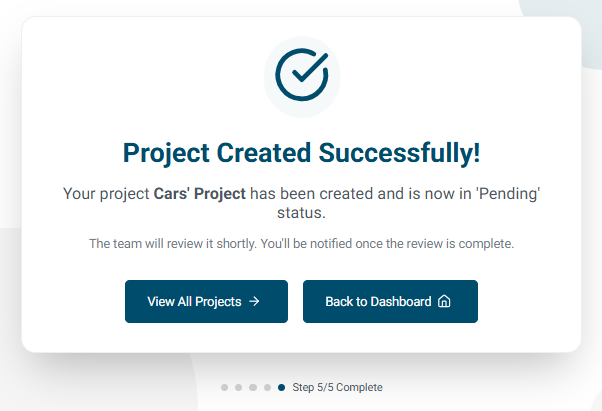
Check the confirmation and project list before submitting another request. A Pending request does not mean that the service is active.